


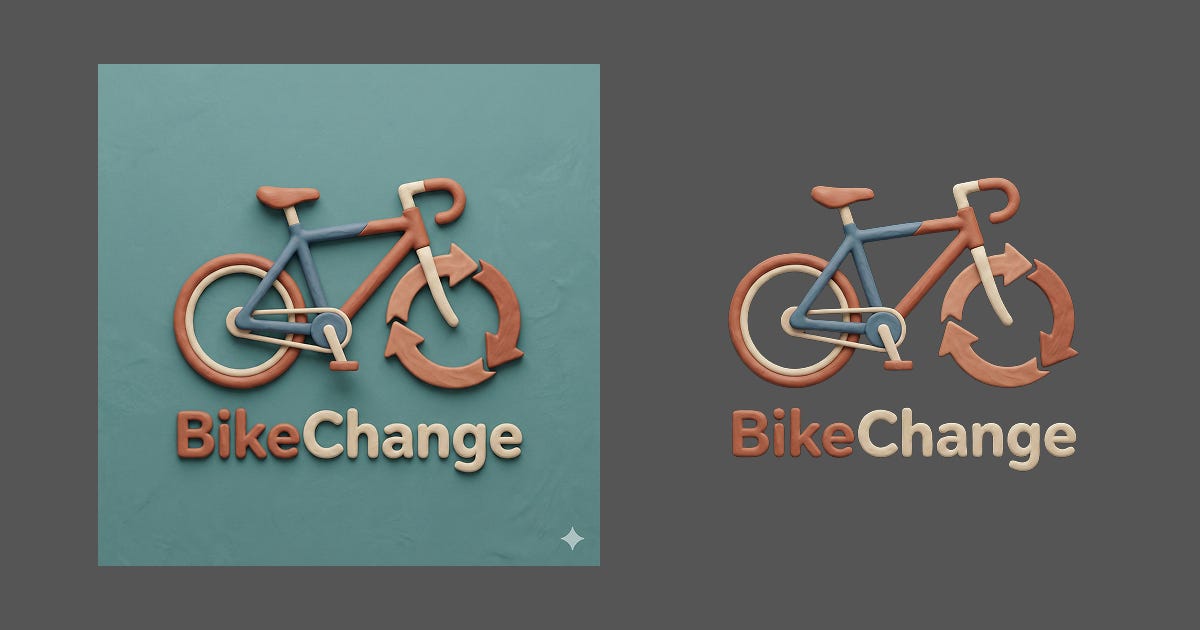
Let’s create an image first. I’ll use Gemini:

Now let’s remove the background using different tools.
Photoroom Background Remover. Web based, free (no log in), very good result (smooth edges, text not removed).

macOS “Remove Background” (built-in). Local, available by right-clicking an image, then “Quick Actions”, then “Remove Background”. It’s quick and convenient but very bad result (rough edges, text removed).

rembg: open source, run from command line, can use different models. This is where it gets interesting. With the default model, the result is not desirable:

rembg i input.png output.pngBut by specifying different model bria-rmbg), the result can be as good as Photoroom:

-m to specify model. Example: rembg i -m bria-rmbg input.png output.pngFor me, the result from rembg is sufficient for my workflow and since it runs locally, I can create custom Quick Actions using macOS Automator.
Pick an image, right click, rembg!
It can be slower than Photoroom (took ~20 seconds in my MacbookAir M4, 24GB) but that’s not a pain for me because I can leave it running in the background.